
enrolla
Education
Online enrollment for every school, each on its own site.
Parents ask for a place on the school's own site. The school answers from one screen, and families keep a single account from school to school.
Visit enrolla.grBefore and after.
Before
Every September, enrollment runs on paper forms and a shared spreadsheet. Details are copied by hand, and parents wait to hear whether there is a place.
After
Parents apply on the school's own site. The office sees every request in one place, accepts or declines it, and the family sees the answer in their account.
What it does.
-
A site for each school
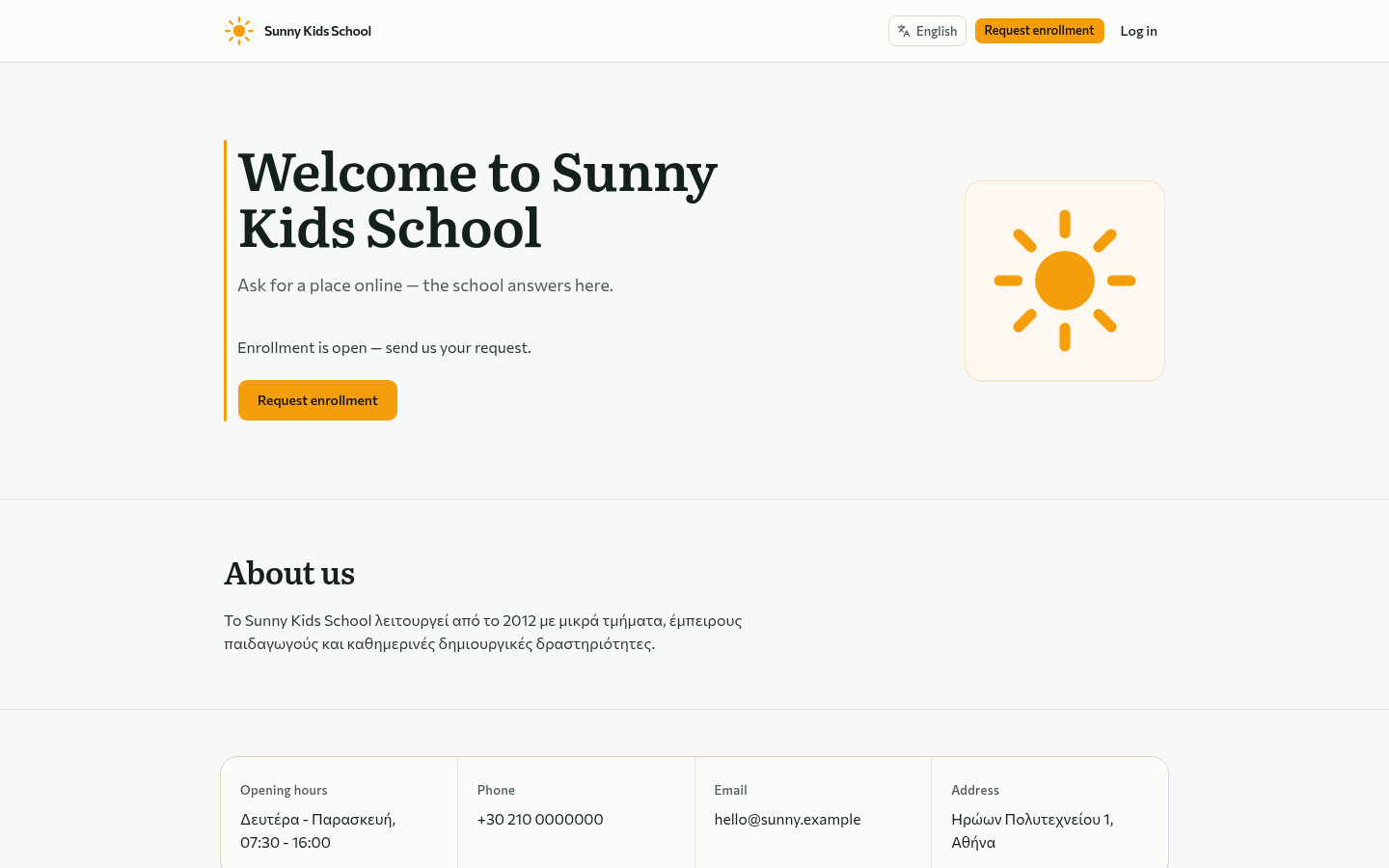
Each school gets its own enrollment site, on an enrolla subdomain or its own domain, with its opening hours, contact details and a button to request a place.
-
Every request in one place
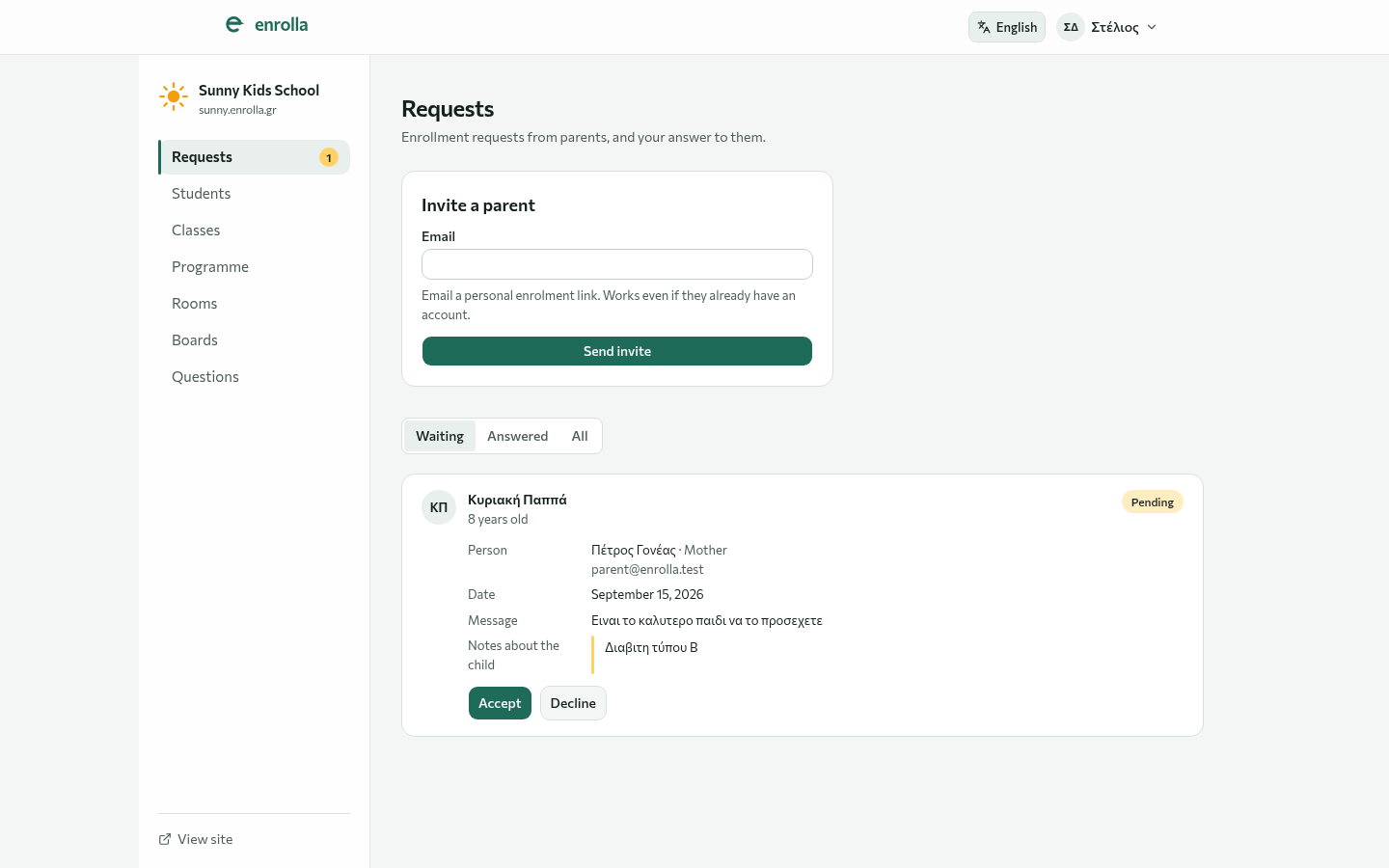
Requests arrive with the child's age, notes about the child and the parent's message. Staff see what is waiting and what is answered, and accept or decline each one.
-
Invite a parent
Send a family a personal enrollment link by email. It works even if they already have an account.
-
Classes and timetables
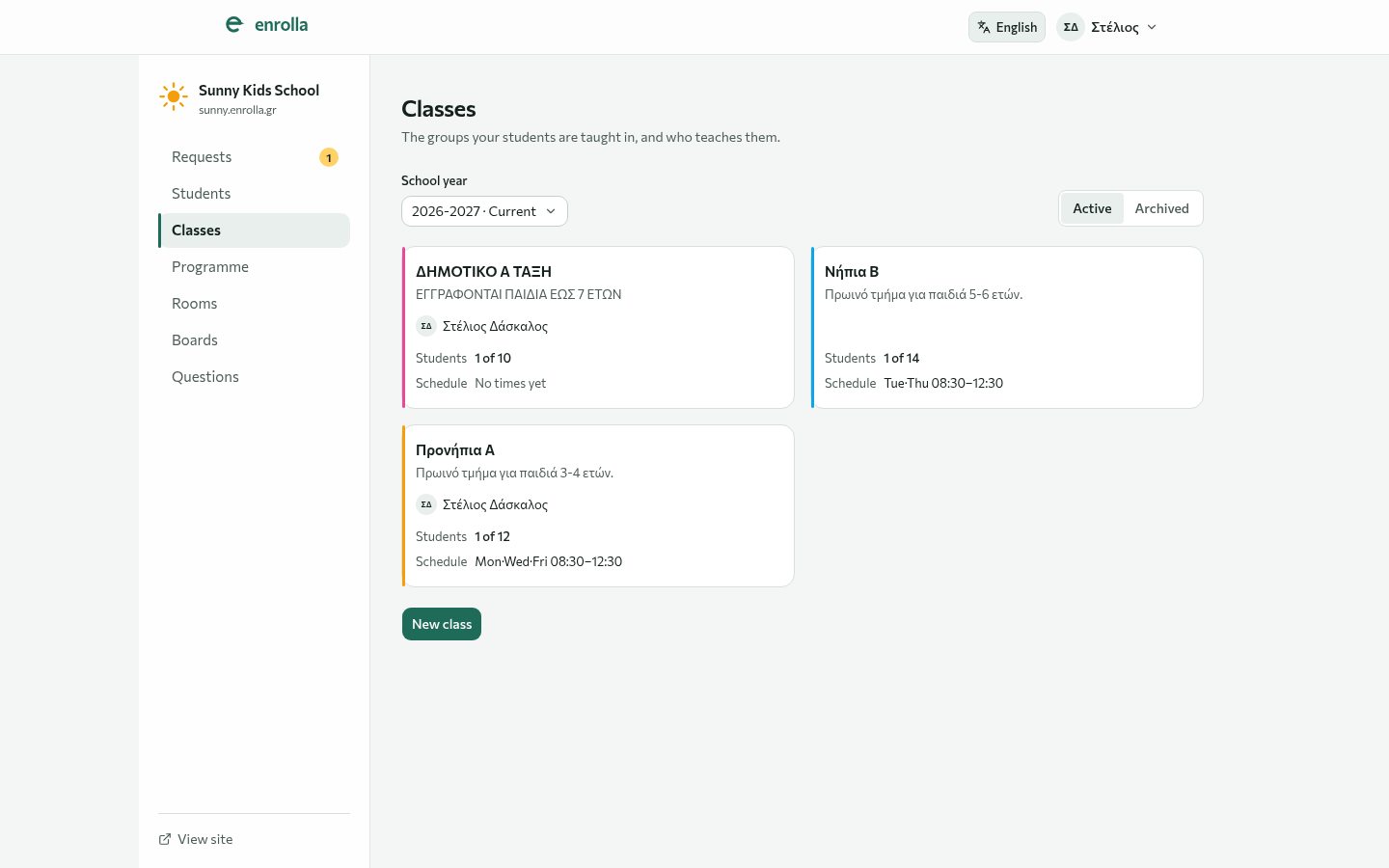
Set up the classes for each school year with their teacher, number of places and weekly schedule, and keep past years in the archive.
-
Updates for families
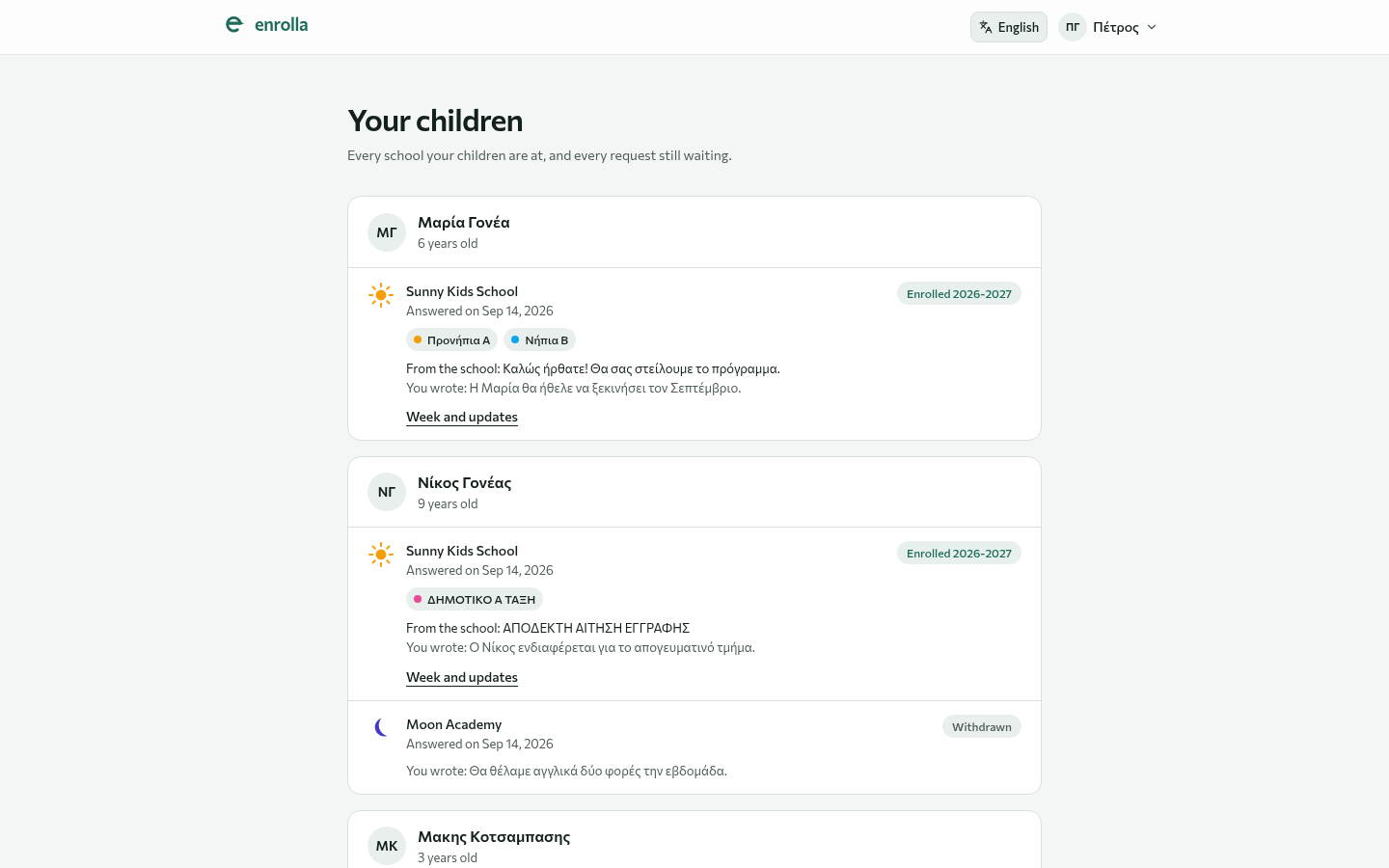
Parents see each child, each school and the school's answer, and follow the week and the updates for their child's class.
-
One account, several schools
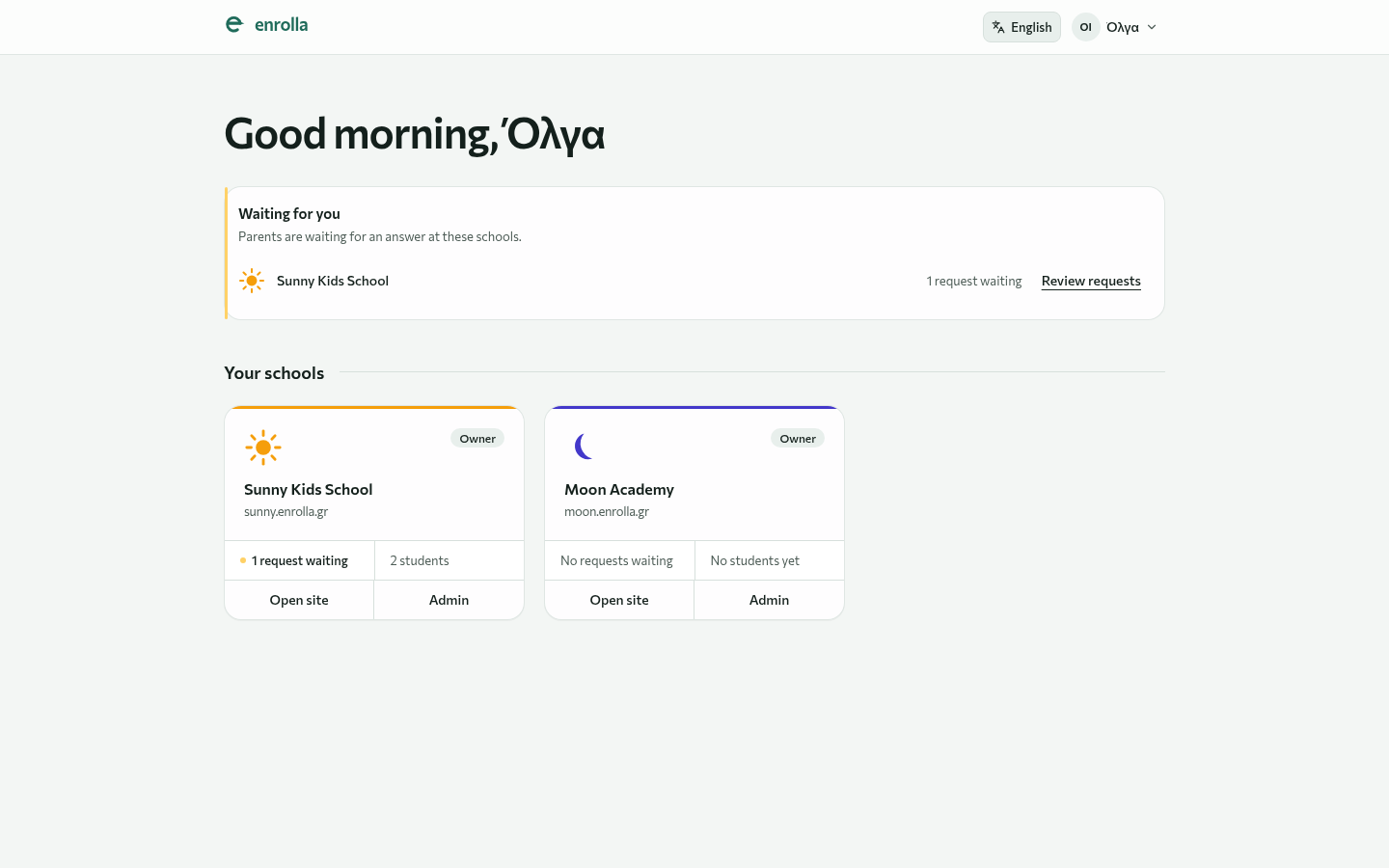
A family keeps one enrolla account from school to school. Someone who runs more than one school sees what is waiting at each of them on one screen.
A look inside.
Who it is for.
Schools, nurseries, tutoring centres and language schools: anywhere families ask for a place and someone has to answer them.
- Schools
- Nurseries
- Tutoring centres
- Language schools
It keeps getting better.
Khaos hosts and maintains enrolla, so there is nothing to install. We watch how schools and parents use it, listen to their feedback, and release improvements every few weeks.
Tell us what's slowing you down.
A few lines are enough. A person reads every message and replies within two working days.
Also from Khaos jobdesk Every request that comes in becomes a job with an owner.